Stop Sanitizing Your HTML: Why Trusted Types Are the Only Real Way to Kill DOM XSS
Stop relying on fragile regex and manual cleaning; learn how to leverage the Trusted Types API to block DOM-based XSS at the browser level.
You have been told for years that the only way to build a secure web application is to sanitize your HTML strings before injecting them into the DOM. You pull in a library like DOMPurify, you wrap every innerHTML call in a sanitization function, and you sleep soundly thinking you've killed Cross-Site Scripting (XSS). You’re wrong. Sanitization is a reactive, fragile, and ultimately losing game because it treats the symptom—the "dirty" string—rather than the disease: the fact that the browser accepts raw strings as executable instructions in the first place.
If we want to actually solve DOM-based XSS, we have to stop trying to "clean" strings and start changing the fundamental types the browser accepts. This is where the Trusted Types API comes in. It moves security from a "best effort" by the developer to a hard requirement enforced by the browser engine itself.
The fundamental flaw of the "String"
The web was built on strings. We pass strings to innerHTML, we pass strings to setTimeout, and we pass strings to eval. The browser looks at these strings and says, "Sure, I'll turn this into code for you."
The problem is that a string has no metadata. By the time a piece of JavaScript receives a string from an API or a URL parameter, the browser has no way of knowing if that string was hand-authored by a developer or injected by a malicious actor in a comment section.
// A classic disaster waiting to happen
const userBio = getUserBioFromApi(); // Returns: "<img src=x onerror=alert(1)>"
document.getElementById('bio-container').innerHTML = userBio;
In a traditional workflow, you’d fix this with a sanitizer:
import DOMPurify from 'dompurify';
const cleanBio = DOMPurify.sanitize(userBio);
document.getElementById('bio-container').innerHTML = cleanBio;
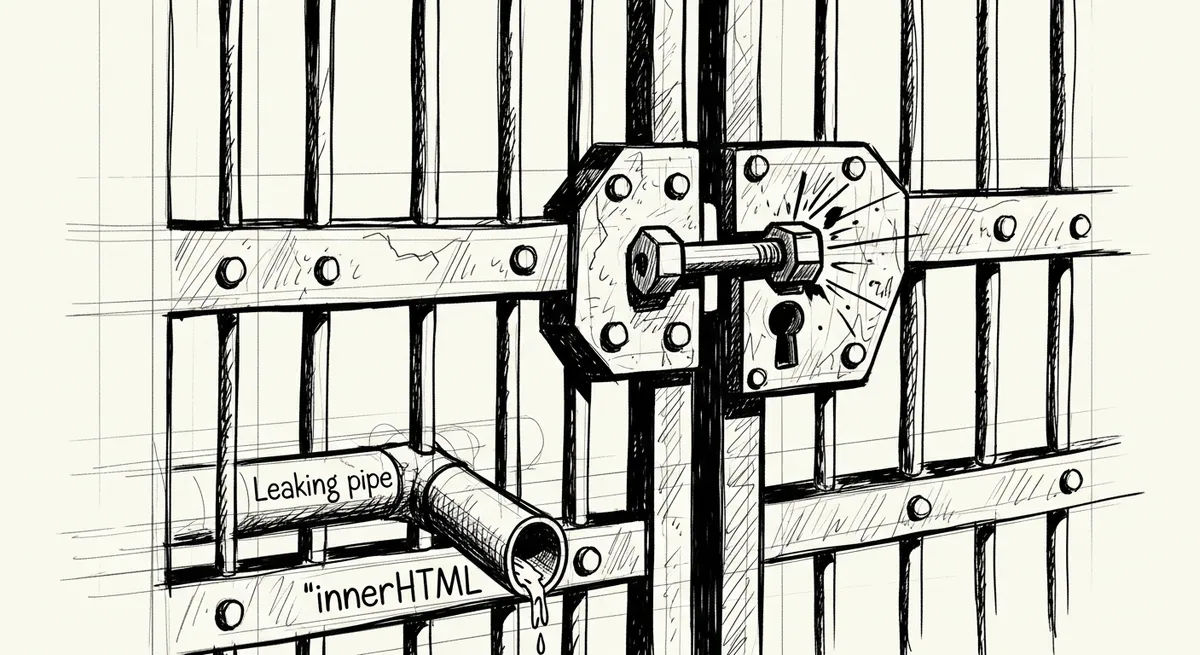
This looks fine, right? Until a developer on your team forgets to call DOMPurify on a new feature. Or until a new bypass is found in the sanitization library. Or until you use a third-party library that internally uses innerHTML without your knowledge. You are playing a game of Whack-A-Mole where the stakes are your users' session cookies.
Enter Trusted Types: The Paradigm Shift
Trusted Types flip the script. Instead of trying to detect "bad" characters in a string, the Trusted Types API prevents the browser from accepting strings altogether in dangerous "sinks" (like innerHTML).
Once you enable Trusted Types, the browser will only accept a specialized object—a TrustedHTML object. If you try to pass a regular string to innerHTML, the browser throws a Type Error and refuses to render it.
This changes the security model from "Did I remember to sanitize this?" to "The application literally won't run unless this is proven to be safe."
Enabling Enforcement
You don't just "turn on" Trusted Types in your JavaScript; you enforce it via your Content Security Policy (CSP). This is the "kill switch" for DOM XSS.
Add this to your CSP header:
Content-Security-Policy: require-trusted-types-for 'script';Once this header is present, any line of code that looks like this will cause a browser-level crash:
// This will now THROW AN ERROR in the console
// "This document requires 'TrustedHTML' assignment."
element.innerHTML = "<div>Hello World</div>";
How to actually use it: Creating Policies
Since you can't use strings anymore, how do you actually update the UI? You create a Policy. A policy is a factory that produces Trusted Types. You define the rules for what makes a string "trusted."
I like to think of a policy as a security checkpoint. You define it once, and then you use it throughout your app.
// 1. Check if the browser supports the API
if (window.trustedTypes && window.trustedTypes.createPolicy) {

  // 2. Create the policy
  const myAppPolicy = window.trustedTypes.createPolicy('my-sanitizer-policy', {
    createHTML: (input) => {
      // This is where you put your actual logic.
      // You can still use a sanitizer here, but now it's centralized.
      return DOMPurify.sanitize(input);
    }
  });

  // 3. Use the policy to create a TrustedHTML object
  const dirtyInput = "<img src=x onerror=alert(1)>";
  const trustedHTML = myAppPolicy.createHTML(dirtyInput);

  // 4. This works! The browser sees it's a TrustedHTML object.
  document.getElementById('bio').innerHTML = trustedHTML;
}
By doing this, you've created a single source of truth. If you want to audit your application's security, you don't need to look at every innerHTML call in 50,000 lines of code. You just need to look at the createPolicy definitions.
The Three Sinks of Trusted Types
The API covers three specific types of dangerous activity:
1. TrustedHTML: For sinks that parse HTML, like innerHTML, outerHTML, or document.write.
2. TrustedScript: For sinks that execute code, like eval or new Function().
3. TrustedScriptURL: For sinks that load external scripts, like HTMLScriptElement.src.
If you're building a modern SPA, you'll mostly deal with TrustedHTML. If you're doing complex dynamic script loading, TrustedScriptURL becomes your best friend.
const scriptPolicy = trustedTypes.createPolicy('script-loader', {
  createScriptURL: (input) => {
    // Only allow scripts from our own CDN
    if (input.startsWith('https://cdn.myapp.com/')) {
      return input;
    }
    throw new Error('Untrusted script source attempt!');
  }
});

const script = document.createElement('script');
// This would fail if we just passed a string
script.src = scriptPolicy.createScriptURL('https://cdn.myapp.com/js/main.js');
document.body.appendChild(script);
Dealing with the "Legacy Mess" (Default Policies)
We live in the real world. You probably have a project that uses jQuery, a charting library from 2014, and some tracking scripts that all use innerHTML internally. If you turn on require-trusted-types-for 'script', these libraries will break.
The spec authors thought of this. You can define a Default Policy.
When a string is passed to a sink and *no* Trusted Type is provided, the browser looks for a policy named default. If it exists, the browser runs the string through that policy automatically.
// This is your safety net for third-party libraries
trustedTypes.createPolicy('default', {
  createHTML: (input) => DOMPurify.sanitize(input),
  createScriptURL: (input) => {
    // You might want to be more restrictive here
    return input;
  }
});

// Now, even if a legacy library does this:
// element.innerHTML = "<span>Old code</span>";
// It doesn't crash. It silently runs through the default policy.
Warning: Don't rely on the default policy for your own code. It’s a migration tool, not a lifestyle. The goal is to move toward explicit policies so you can see exactly where data is being transformed.
The "Gotchas" and Real-World Friction
I’ve been implementing this on a few high-security projects, and it isn't always sunshine and rainbows. Here are the things that will trip you up:
1. Browser Support
As of now, Trusted Types is a Chromium-led effort (Chrome, Edge, Opera). Firefox and Safari don't support it natively yet. However, this shouldn't stop you. Security is about layers. For Chromium users (the majority), you have an iron-clad defense. For others, you fall back to your standard sanitization.
There is a polyfill available, but I prefer the "Progressive Enhancement" approach: enforce it in production for Chromium, and use it to catch bugs during development.
2. The CSP Header Complexity
If you use multiple policies, you have to list them in your CSP.
Content-Security-Policy: require-trusted-types-for 'script'; trusted-types my-app-policy default;If you try to create a policy that isn't in that list, the browser will block it. This is great for security (prevents an attacker from creating their own "Identity" policy that just returns the input), but it means you need a solid deployment pipeline to sync your JS changes with your HTTP headers.
3. DOMPurify and Trusted Types
If you use DOMPurify, it has built-in support for Trusted Types. You don't have to wrap it yourself.
import DOMPurify from 'dompurify';

// This returns a TrustedHTML object directly if the browser supports it
const clean = DOMPurify.sanitize(input, { RETURN_TRUSTED_TYPE: true });
How to Start (Without Breaking Everything)
Don't go into your index.html and add the enforcement header today. You will break your app. Instead, follow this path:
1. Report-Only Mode: Use the Content-Security-Policy-Report-Only header. This will log errors to the console (and your reporting endpoint) without actually blocking anything.
`http
Content-Security-Policy-Report-Only: require-trusted-types-for 'script'; trusted-types default;
`
2. Audit the Logs: Look at every "Trusted Type expected" error. You'll likely find:
* Third-party libraries doing weird things.
* Your own utility functions that manipulate the DOM.
* Places where you are using innerHTML but could easily be using textContent.
3. Refactor to `textContent`: If you aren't actually injecting HTML, don't use innerHTML. element.textContent = userProvidedString is natively safe and doesn't trigger Trusted Type requirements.
4. Implement the Policies: Create your specific policies and start wrapping your sinks.
5. Enforce: Once the logs go silent, flip the header to Content-Security-Policy.
The Philosophical Shift
We have to stop treating security as a checkbox we tick at the end of a sprint. XSS happens because we treat code and data as the same thing. Trusted Types finally draws a line in the sand.
By adopting this, you aren't just adding a library; you are adopting a type-safe approach to the DOM. You are telling the browser: "I don't trust myself to remember to sanitize every string, so I want you to make it impossible for me to forget."
It’s a bit more work upfront. You’ll have to fight with some legacy dependencies. But the peace of mind that comes from knowing an entire class of vulnerability has been architecturally eliminated is worth every line of boilerplate. Stop sanitizing; start typing.